Unreal Engine 5
Implementing key events in UE5 and simulating key input (virtual keyboard)
In software development, sometimes you need to add buttons to the UI page and click the buttons to execute business logic. If it is a regular event, it can be implemented by binding events. However, in some designs, the event response is executed after the key is pressed, but you also want to add **button** to the UI to respond to the same event.
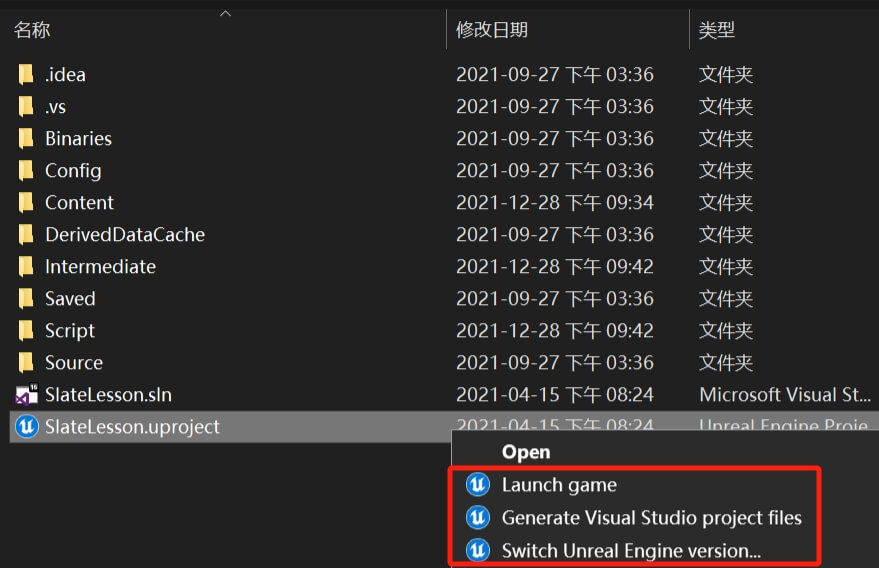
How to solve the lack of options such as Generate Visual Studio project files in the right-click menu in UE4 and UE5
After the installation of the Unreal Engine is completed, three right-click pop-up menu items for the project file will be added to the registry. However, many students have found that their computers do not have relevant menu items. This article mainly explains how to fix this problem.
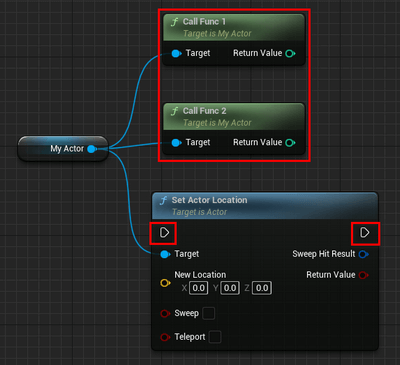
Issues to note when using BlueprintPure in UE5
When using a function in a blueprint, you need to connect the execution input pin of the function to the execution logic line to execute the function. However, there is a special function that has no execution pin. Such a function is named "pure function". Pure functions are mainly a concept in blueprints. They can be provided in blueprints and C++, but there are still some precautions when using them.
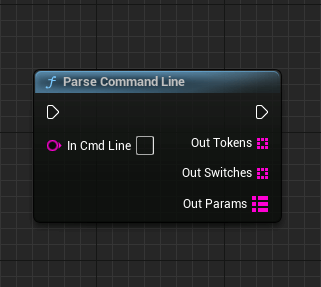
UE5 configures the startup instructions and reads and uses the startup instructions (startup parameters)
In software development, when releasing a product package, we hope that the software will have some preset parameter configurations when it starts, and we can use startup parameters to achieve this. Startup parameters are actually reserved configuration entries provided for software startup in most software designs. Developers can use them to complete more flexible startup configurations. This article mainly explains how to use startup command configuration in Unreal Engine.
UE5.2 Solve the error about DirectX
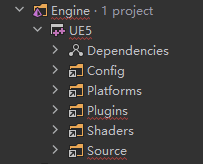
In the new Unreal Engine UE5.2 version, when creating a C++project and checking in through Rider, a DirectX error warning will appear. This is mainly due to the lack of Build documentation in the engine, which is currently known to be a bug and needs to be fixed by the official. The solution can refer to the following steps.
The Hot reload and Live Coding in UE5(New Live Coding)
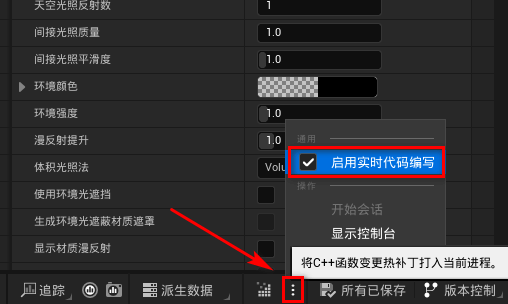
In the version of ue5, A super useful feature for development is the new hot reload, it allows you to not close running projects, then add your new logic to the running projects, it makes debugging debug more easier, that's really amazing. This article mainly introduces new mechanisms about hot reload.
UE5 C++ implements blueprint node wildcard parameter pins (CustomStructureParam, CustomThunk)
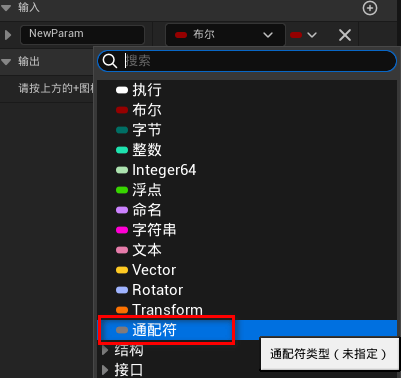
In the blueprint macro, when setting the pin, there is a pin type called wildcard. This type allows the pin parameter type to be unconstrained when used as a pin, and the pin parameter type is checked at compile time (statically). If the type does not conform to the execution logic in the macro, the compilation will report an error.
Unreal Engine localization (language pack) packaging to achieve multi-language switching
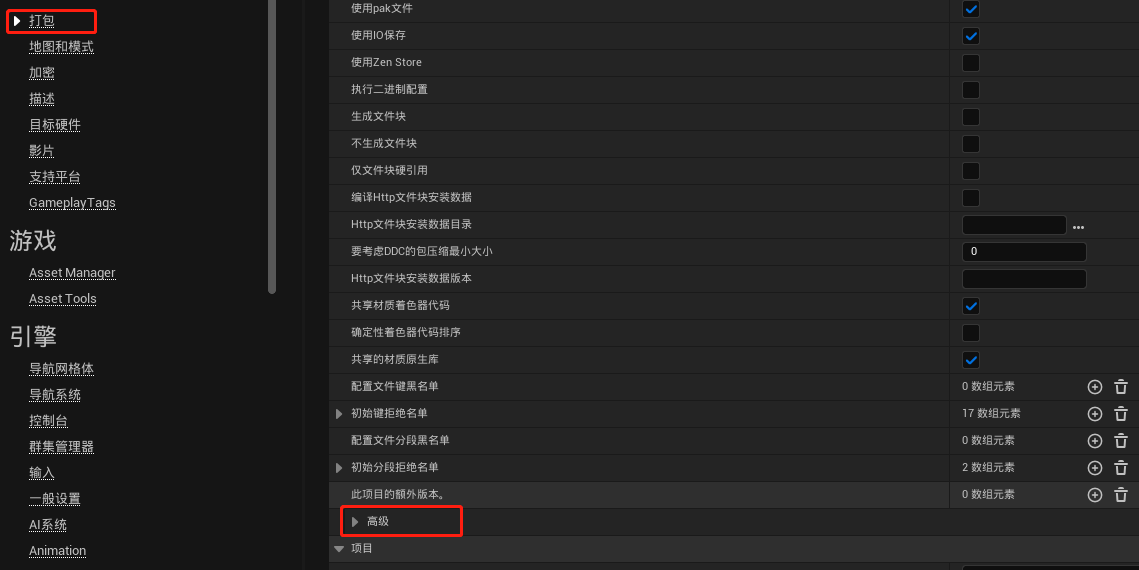
In the process of game development, it has become very common to connect to multiple language versions. Generally, games that are shipped overseas must be localized. Localization is mainly to solve the problem of matching the release language in the distribution area after the product is shipped overseas. Unreal Engine provides a complete set of localization operation solutions, which can complete complex page localization design more efficiently and simply.
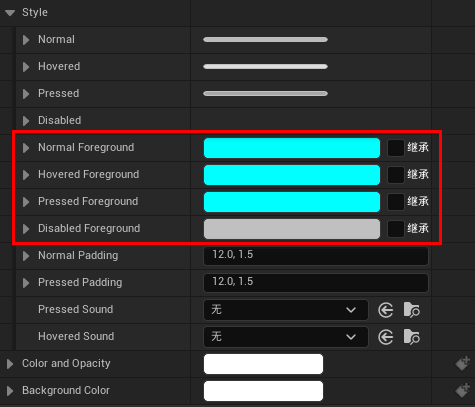
Foreground property of Button control in UMG in UE5
This article mainly explains the usage of Foreground in the Button control in UMG, and cooperates with the text control to adjust the foreground color, making the editing button control more complete and more controllable and flexible.

Unreal Engine (UE4 UE5) Custom TMap Key Value Type
In the development scenario, when you encounter the use of TMap, change the key value type to the custom data type in the project. If you do not perform additional coding, an error will occur during the compilation process. Unreal Engine has additional requirements for the data type you want to use as the TMap key value. It must meet the implementation of hash sequences and conventional comparison operator overloading. The following code simply shows you how to complete the customization of the TMap key value type.

Unreal Engine (UE5) Carrying Actor Through Levels (with Project Source Code)
When defining a level, Unreal Engine sets the level as a World. The UWorld type can be known from the level type. A world has its own rules. Two different levels can use the same rules, but they are not the same rules. Just as our laws stipulate that theft is a crime, other countries also have such legal rules.